The first step to interacting with TWS (or IB Gateway) is to establish a connection. This is achieved with the EClientSocket’s eConnect method. In order to connect, you need to provide:
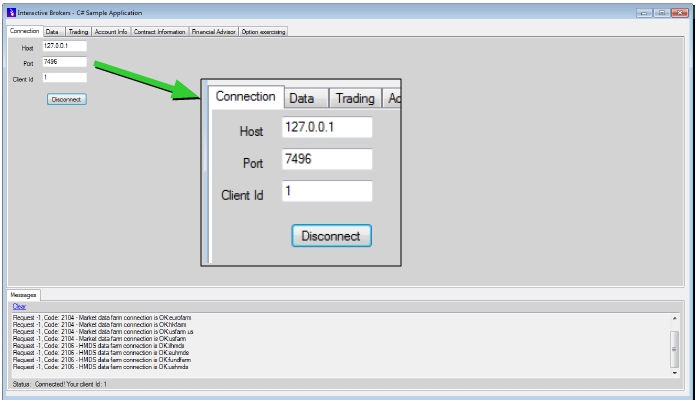
Take a look at the IBSampleApp’s Connection tab after a connection with TWS has been established. We've blown up the important fields on this tab so you can see them easily:
TWS and the IB Gateway allow up to eight different TWS API client applications to be connected at the same time.
After successfully connecting to the TWS, the client application will start receiving some messages from the TWS. All these messages are received via the implementing class of the EWrapper interface. Some of these events will be covered later in this guide.